
WP Simple Pay Blog
Stripe Tutorials, Tips, and Resources for WordPress to Accept Payments
-

How to Accept Freelance Fees via Stripe + WordPress
Continue Reading →: How to Accept Freelance Fees via Stripe + WordPressIn this article, we’ll show you exactly how to accept freelance fees as one-time payments or monthly subscriptions via Stripe + WordPress.
-

How to Avoid Overselling Your Inventory in WordPress
Continue Reading →: How to Avoid Overselling Your Inventory in WordPressEnsuring that you don’t oversell your inventory on your WordPress site is critical to the growth and success of your business.
-

How to Add Custom Fields to Stripe Checkout in WordPress
Continue Reading →: How to Add Custom Fields to Stripe Checkout in WordPressAdding custom fields to your Stripe Checkout payment forms in WordPress allows you to collect the data you need to provide a better customer experience.
-

How to Accept Cash App Payments in WordPress
Continue Reading →: How to Accept Cash App Payments in WordPressLooking to accept Cash App Pay on your site? In this article, we’ll show you how to easily begin accepting Cash App payments in WordPress.
-

How to Add New Stripe Customers to ActiveCampaign in WordPress
Continue Reading →: How to Add New Stripe Customers to ActiveCampaign in WordPressLooking to add new Stripe customers to your ActiveCampaign mailing list? In this article, we’ll show you how to automate the process by integrating your WordPress site with Uncanny Automator.
-

7 Best Crowdfunding Plugins for WordPress (Compared)
Continue Reading →: 7 Best Crowdfunding Plugins for WordPress (Compared)In this article, we’ll explore some of the top crowdfunding plugins for WordPress to help you decide which one is best for your fundraising goals.
-

How to Connect WordPress Payment Forms with Google Sheets
Continue Reading →: How to Connect WordPress Payment Forms with Google SheetsIn this article, we’ll show you how to connect WordPress payment forms with Google Sheets using Zapier’s Stripe + Google Sheets integration.
-

How to Autocomplete Shipping & Billing Addresses in WordPress
Continue Reading →: How to Autocomplete Shipping & Billing Addresses in WordPressUsers who don’t have to enter their shipping and billing addresses manually during checkout are more likely to complete their transaction. In this article, we’ll show you how to easily enable autocompleted shipping and billing addresses in WordPress.
-
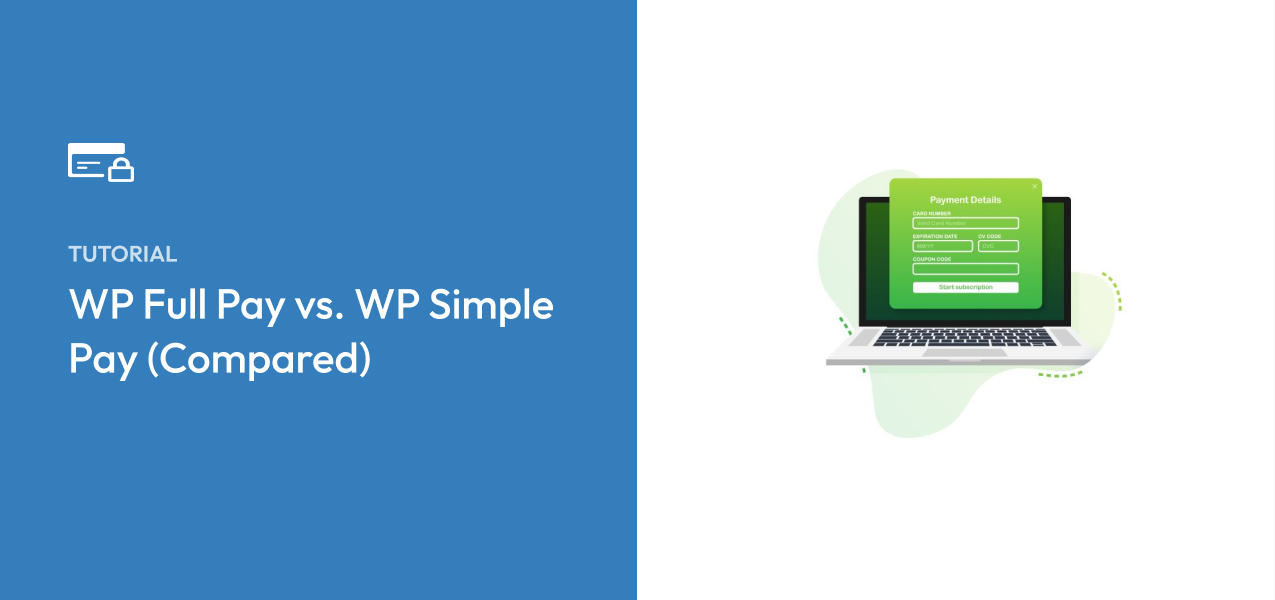
WP Full Pay vs. WP Simple Pay (Compared)
Continue Reading →: WP Full Pay vs. WP Simple Pay (Compared)In this article, we’ll provide a side-by-side comparison between WP Full Pay vs. WP Simple Pay so you can choose the best one for your business.
-
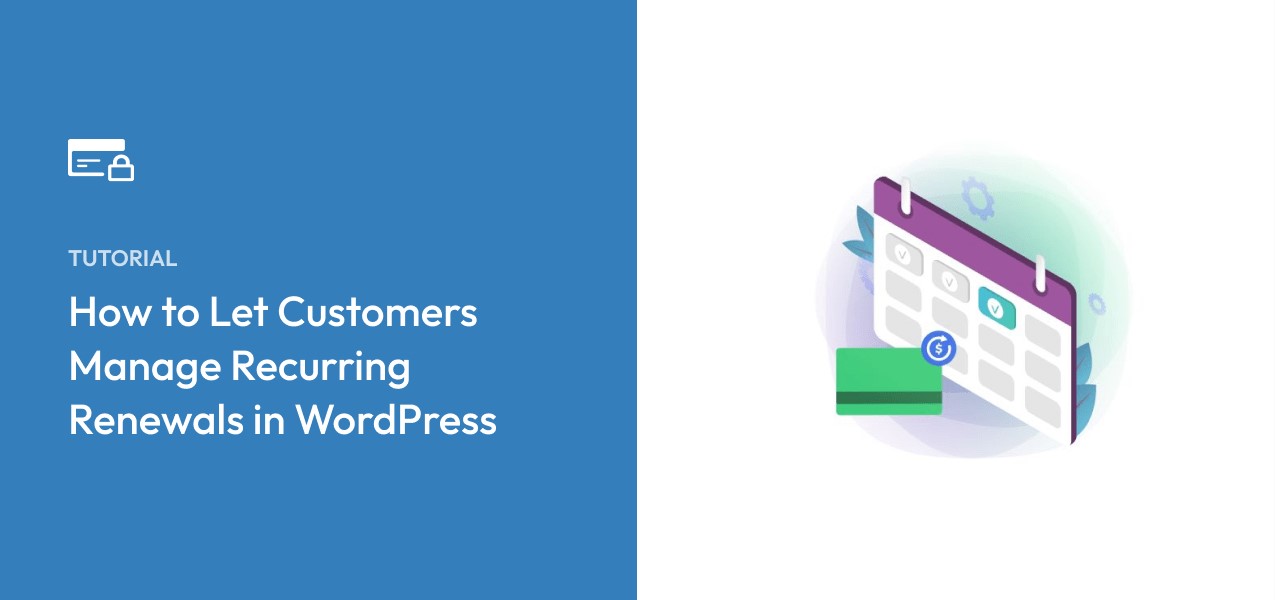
How to Let Customers Manage Recurring Renewals in WordPress
Continue Reading →: How to Let Customers Manage Recurring Renewals in WordPressIn this article, we’ll show you how to easily let your customers manage their recurring renewals (subscriptions) in WordPress.

SOCIAL
Let’s Connect
Read More
Popular Posts
Start Accepting Payments Today
Start accepting one-time and recurring payments or donations on your WordPress website.