
WP Simple Pay Blog
Stripe Tutorials, Tips, and Resources for WordPress to Accept Payments
-
🎉 LATEST RELEASE
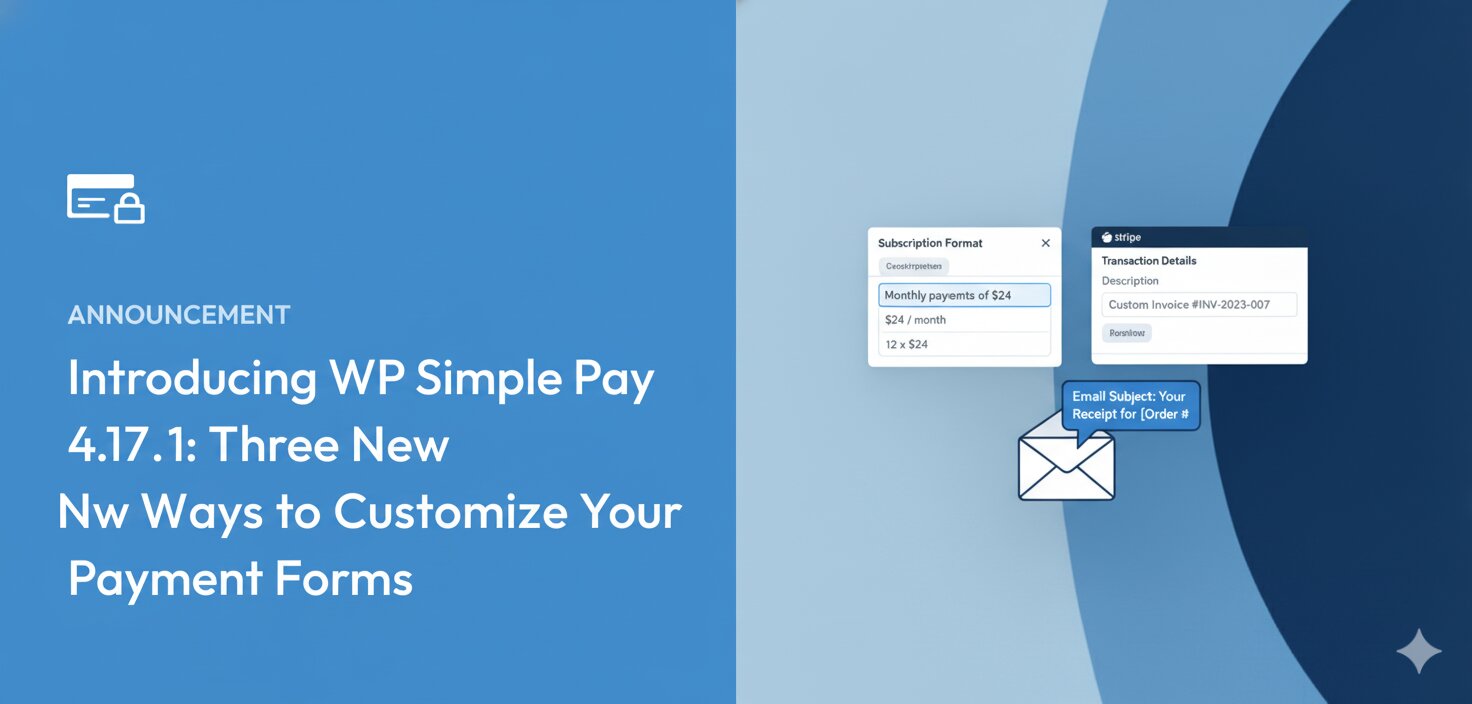
Introducing WP Simple Pay 4.17.1: Three New Ways to Customize Your Payment Forms
Continue Reading →: Introducing WP Simple Pay 4.17.1: Three New Ways to Customize Your Payment FormsIf you offer subscriptions or installment plans, you know how important it is for customers to understand exactly what they’re paying for. But until now, the way recurring payment descriptions appeared on your forms, confirmation pages, and emails was one-size-fits-all. Not every business communicates pricing the same way. With WP Simple Pay 4.17.1, you now…
-

How to Pass Stripe Fees On To Your Customers in WordPress
Continue Reading →: How to Pass Stripe Fees On To Your Customers in WordPressPassing Stripe processing fees on to your customers will ensure that you receive the exact amount you specified for your products or services.
-

How to Enable Stripe Test Mode in WordPress
Continue Reading →: How to Enable Stripe Test Mode in WordPressPerforming test purchases before your site’s payment forms go live helps prevent transactional issues. Learn how to enable Stripe Test Mode in WordPress.
-

How to Create a One-Click Checkout Form in WordPress
Continue Reading →: How to Create a One-Click Checkout Form in WordPressProviding your customers with a way to check out with one click can boost your conversion rates by over seven percent. Learn how to create a one-click checkout form in WordPress.
-

6 Best SEO Plugins for WordPress (Compared)
Continue Reading →: 6 Best SEO Plugins for WordPress (Compared)Learn about the top SEO plugins for WordPress and how they can help drive traffic to your site.
-
How to Add SSL/HTTPS in WordPress (Easy Way)
Continue Reading →: How to Add SSL/HTTPS in WordPress (Easy Way)In this article, we’ll show you how to easily add SSL/HTTPS in WordPress to keep your site’s connections secure.
-

How to Fix WordPress Not Sending Transactional Emails Issue
Continue Reading →: How to Fix WordPress Not Sending Transactional Emails IssueEnsuring that your payment confirmation emails and purchase receipts are delivered to your customers is key to your site’s success.
-

How to Add hCaptcha to WordPress Payment Forms (Step by Step)
Continue Reading →: How to Add hCaptcha to WordPress Payment Forms (Step by Step)While plenty of captcha services are available on the market, hCaptcha stands out from the rest with its privacy-first approach. In this article, we’ll explain how to prevent fraudulent payments in WordPress with hCaptcha.
-
6 Best Credit Card Payment Plugins for WordPress
Continue Reading →: 6 Best Credit Card Payment Plugins for WordPressExplore the best credit card payment plugins for WordPress.
-

How to Sell Limited Edition Products in WordPress (Easy Way)
Continue Reading →: How to Sell Limited Edition Products in WordPress (Easy Way)Learn how to set up payment restrictions and inventory management tools for your limited edition products in WordPress.
-
How to Get an Unlimited Free Trial of WP Simple Pay
Continue Reading →: How to Get an Unlimited Free Trial of WP Simple PayLearn how you can get an unlimited free trial of WP Simple Pay with these simple steps.

SOCIAL
Let’s Connect
Read More
Popular Posts
Start Accepting Payments Today
Start accepting one-time and recurring payments or donations on your WordPress website.