
How to Recover Stripe Processing Fees
In This Document
Fee Recovery
Fee Recovery allows you to define a true net amount to collect by allowing your customers/donors to pay the fees associated with a payment. Typically, when a payment is made, Stripe will deduct 2.9% + $0.30 from the payment amount.
Fee Recovery is currently unavailable on payment forms that utilize taxes or coupons.
Configure Payment Method
When Fee Recovery is enabled for the payment method, the amount is adjusted, so the net amount collected equals the originally defined price option amount.
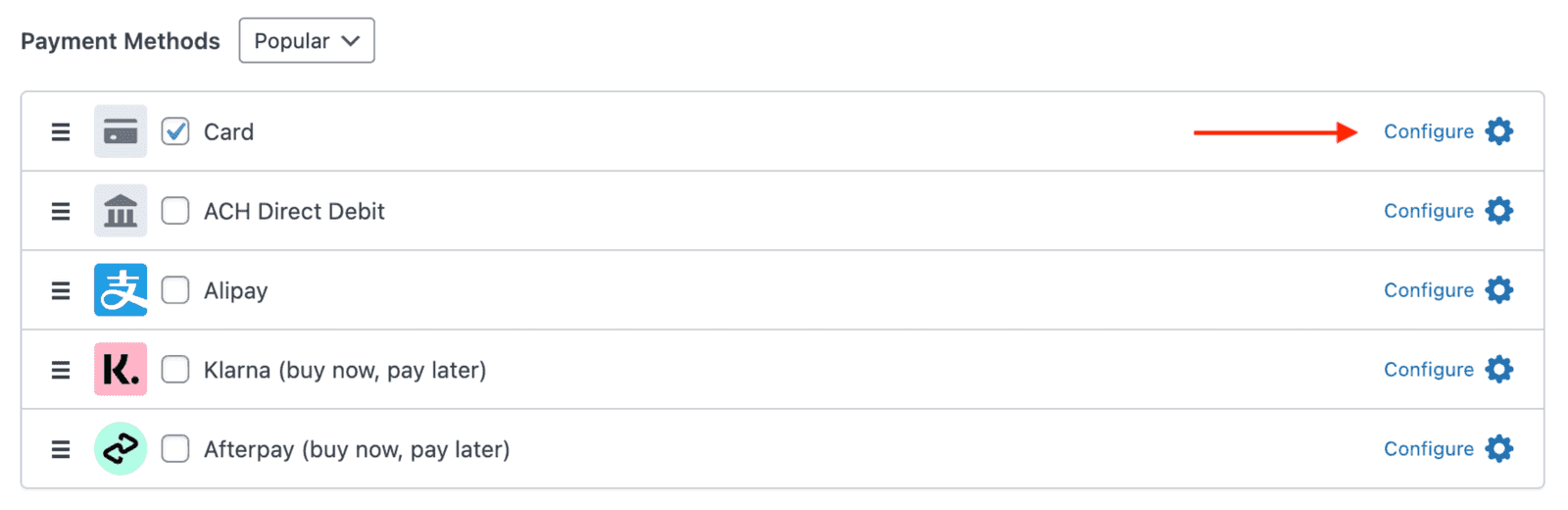
All licenses support collecting fees from credit card payments. A Plus or higher license is required to collect fees for other payment methods.
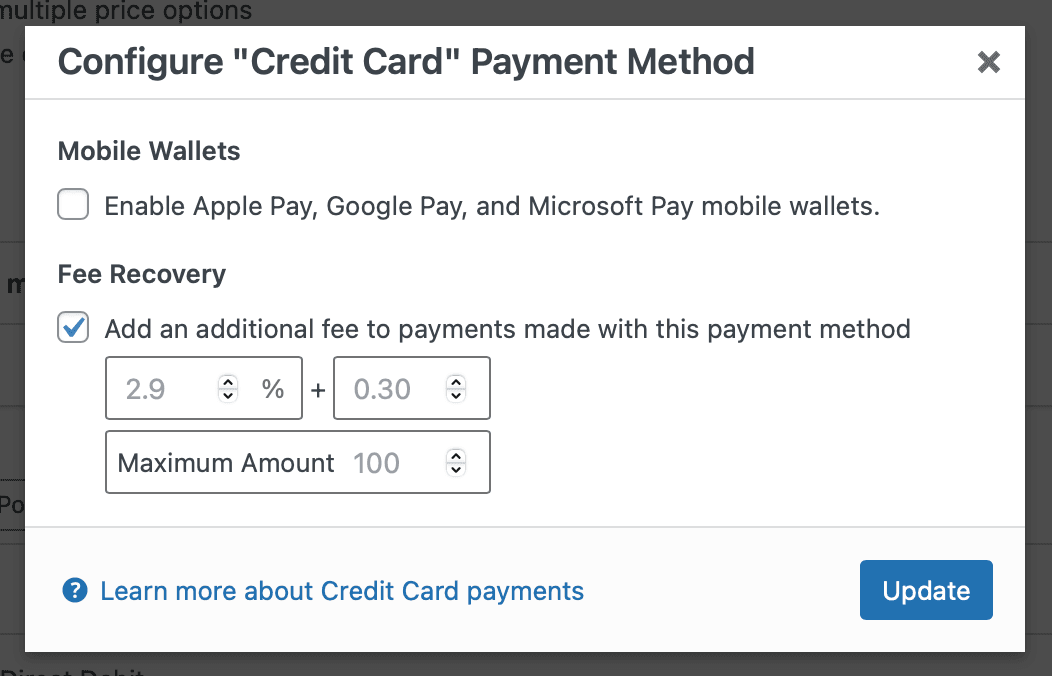
You may also set a Maximum fee Amount to charge. This is useful for ACH payments, where the maximum amount of the fee should be set to $5.
When the above pop-up displays, it shows 2.9 and 0.30 as placeholder values, not actual values. Both fields must be filled in for Fee Recovery to collect the fee. If not using the Maximum Amount, no value needs to be entered for it.
Allow Optional Fee Recovery
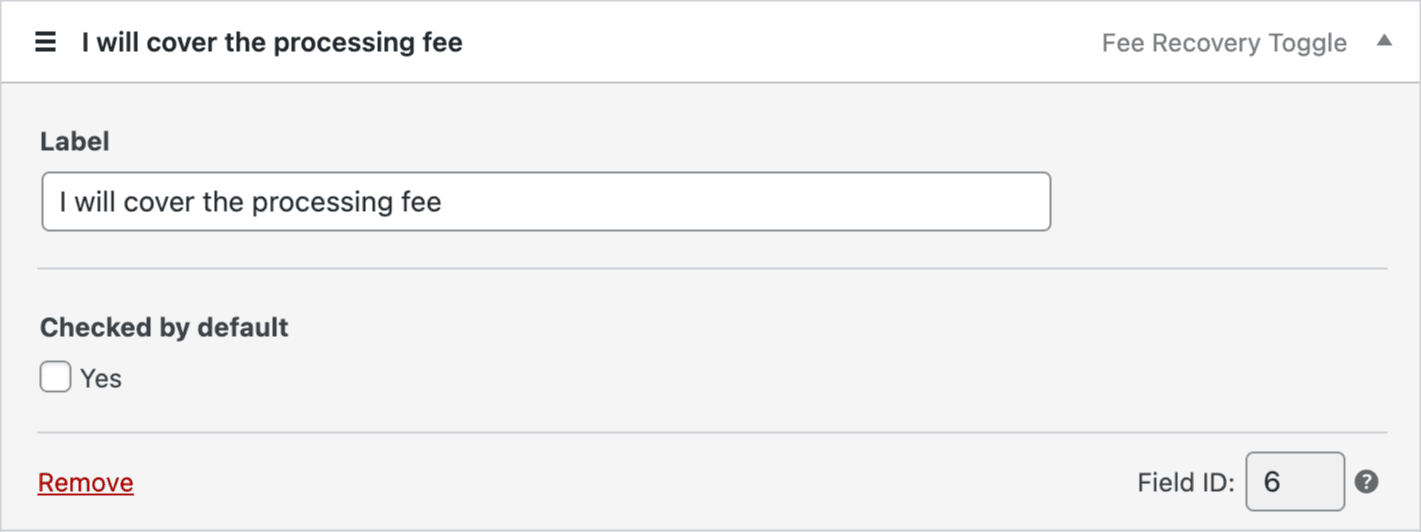
To allow your customers/donors the option of paying the Stripe fees, include the Fee Recovery Toggle custom form field.
Form Display
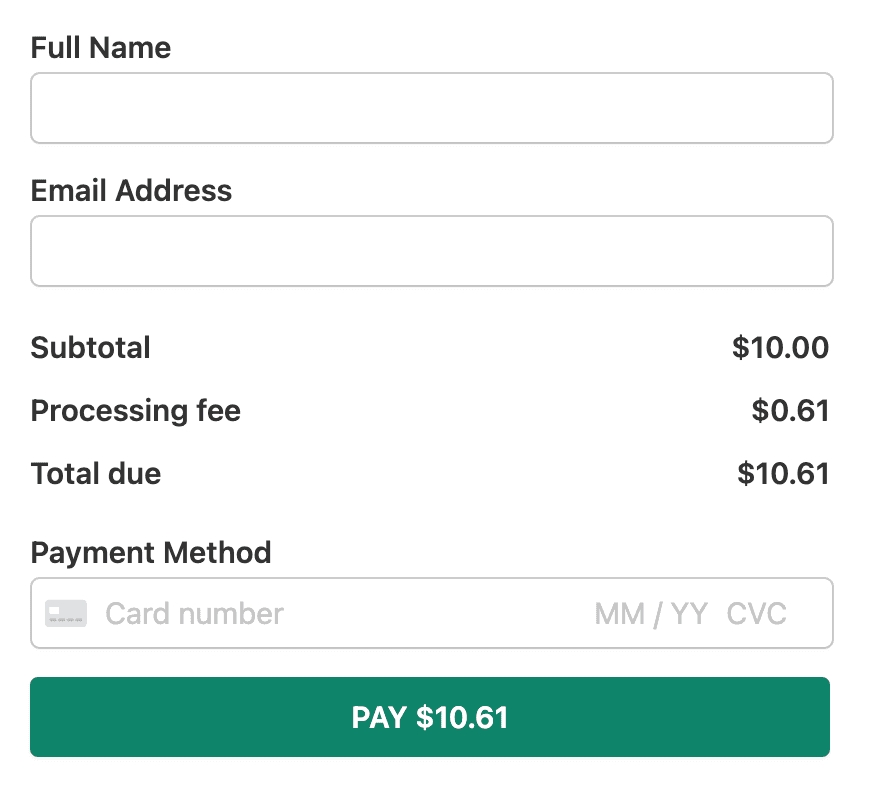
Adding the Amount Breakdown custom form field will display the processing fee on your payment form, as shown below.
Still have questions? We're here to help!
Last Modified: