
Så här använder du testläge tills dina formulär är redo att lanseras
I det här dokumentet
När WP Simple Pay först installeras är det inställt på testläge – detta innebär att inga riktiga pengar transaktioneras. Vi rekommenderar starkt att du stannar i testläge tills dina betalningsformulär är redo och du har granskat testtransaktioner i Stripe.
Medan du är i testläge kan du använda valfritt antal testkortsnummer och betalningsmetoder som tillhandahålls av Stripe.
Stripe tillhandahåller internationella testkortsnummer som bör användas för att korrekt återspegla lämplig postnummerkonfiguration för ditt land eller din region. Till exempel anses testkortsnumret 4242-4242-4242-4242 vara ett USA-baserat nummer och kommer att visa ett fält för 5-siffrigt postnummer.
Aktivera testläge i WP Simple Pay
För att säkerställa att WP Simple Pay är i testläge, besök WP Simple Pay → Inställningar → Stripe → Konto.
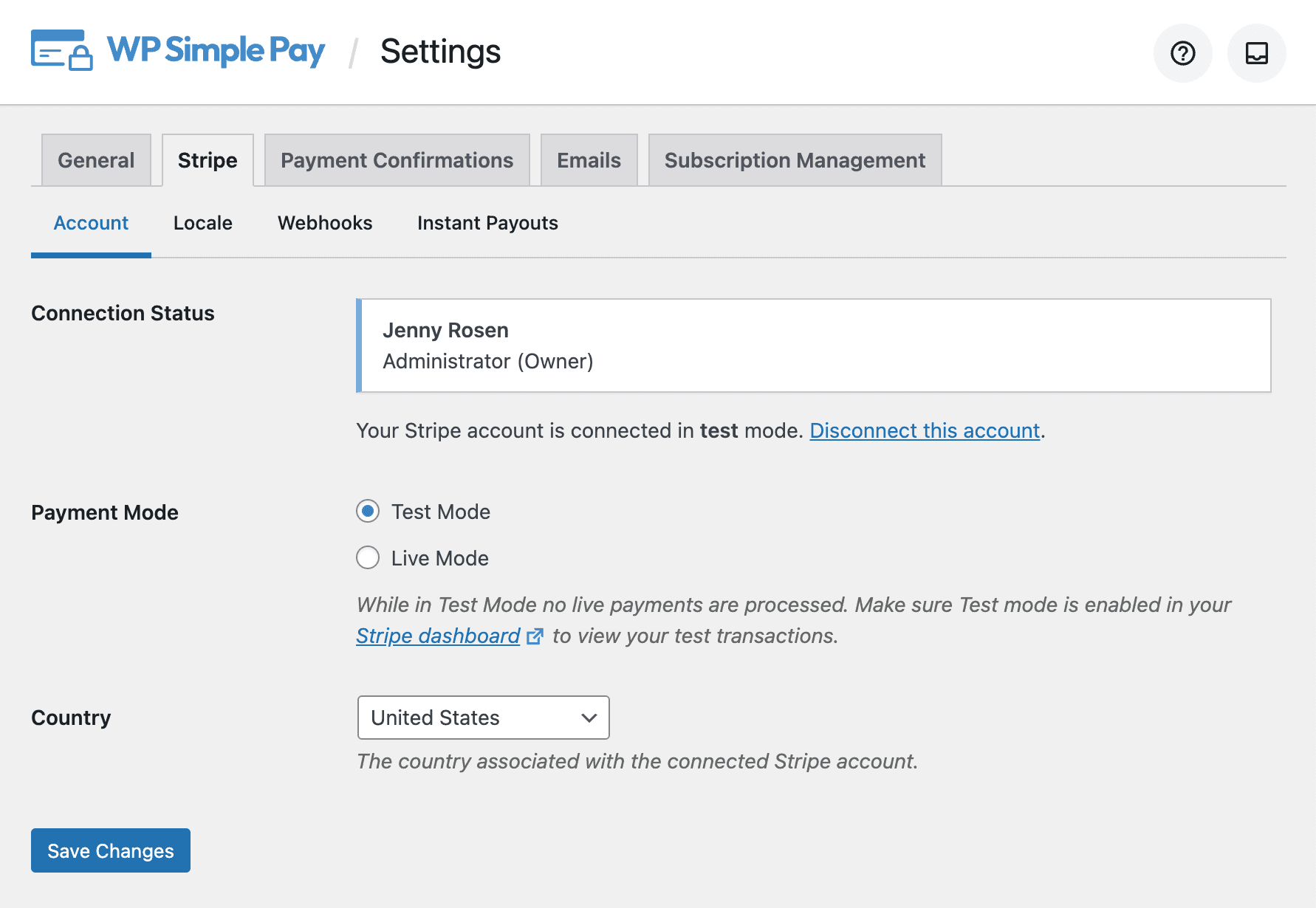
Anslutningsstatus
Visar kontoinformationen för det för närvarande anslutna kontot. Om du inte är ansluten, klicka på Anslut med Stripe för att ansluta.
Betalningsläge
Bestämmer det aktuella betalningsläget: testläge eller live-läge. När du är i testläge transaktioneras inga faktiska pengar.
Land
Landet som ditt Stripe-konto är registrerat till.
Indikatorer för testläge
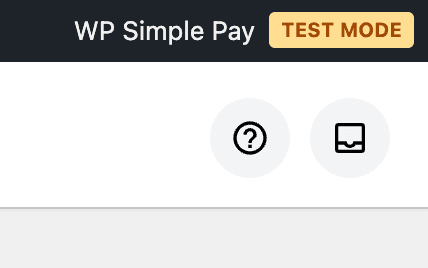
När du visar ditt WordPress-admin i testläge ser du en indikator i adminverktygsfältet om testläge är aktiverat.
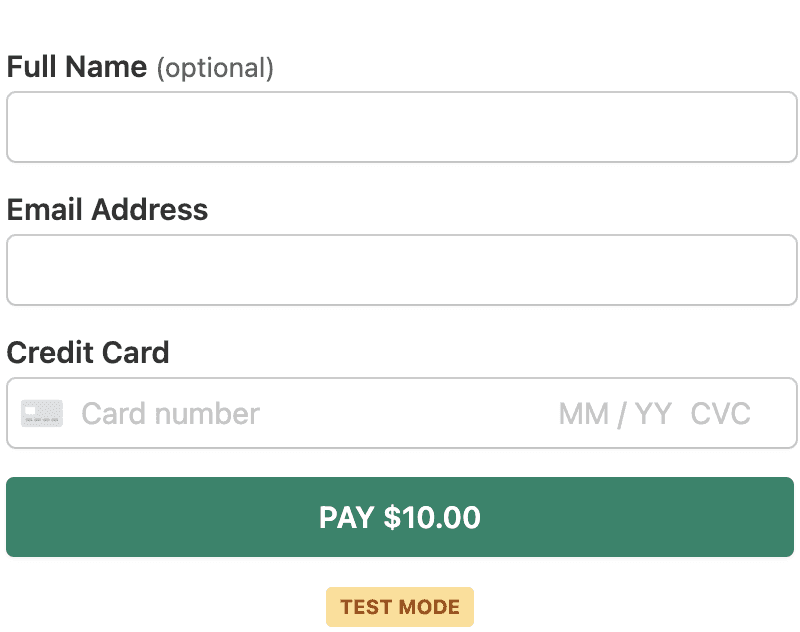
När du visar ett betalningsformulär i testläge ser du samma indikator.
Ställa in testläge per formulär
Formulär kan också individuellt ställa in sitt betalningsläge om du behöver bearbeta transaktioner i ett annat läge än den globala inställningen. Se till att du har anslutit korrekt till Stripe i alla lägen som dina formulär kan använda.
Visa testdata i Stripe
För att visa testtransaktioner i din Stripe-instrumentpanel, växla helt enkelt omkopplaren Testläge som finns längst upp till höger på alla sidor i Stripe-instrumentpanelen.
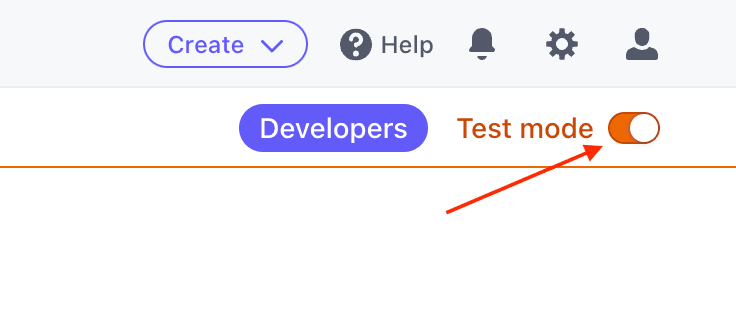
Stripe har flyttat omkopplaren för testläge för vissa konton. Stripe-instrumentpanelen för testläge kan alltid nås via denna URL: https://dashboard.stripe.com/test/dashboard
Alternativ plats för växling till testläge
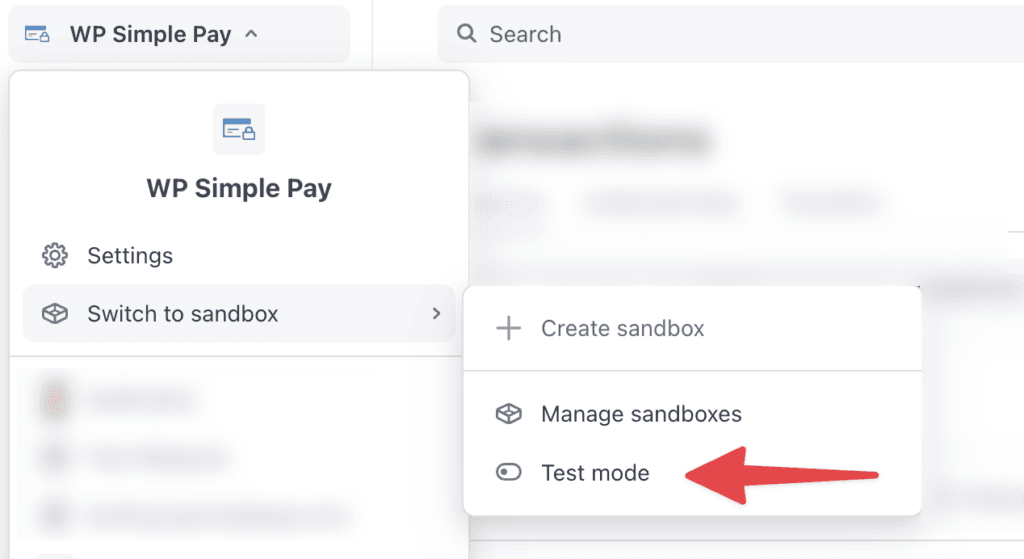
För att växla till testläge:
- I Stripe Dashboard, klicka på ditt företagsnamn i det övre vänstra hörnet.
- Välj Växla till sandbox > Testläge i rullgardinsmenyn.
För att återgå till Live-läge:
- Klicka på ditt företagsnamn igen i det övre vänstra hörnet.
- Klicka på Avsluta testläge i rullgardinsmenyn.
Slutlig granskning av testläge
Slutligen, se till att du granskar Stripes Checklista för att gå live innan du inaktiverar testläge.
Har du fortfarande frågor? Vi finns här för att hjälpa till!
Senast ändrad: